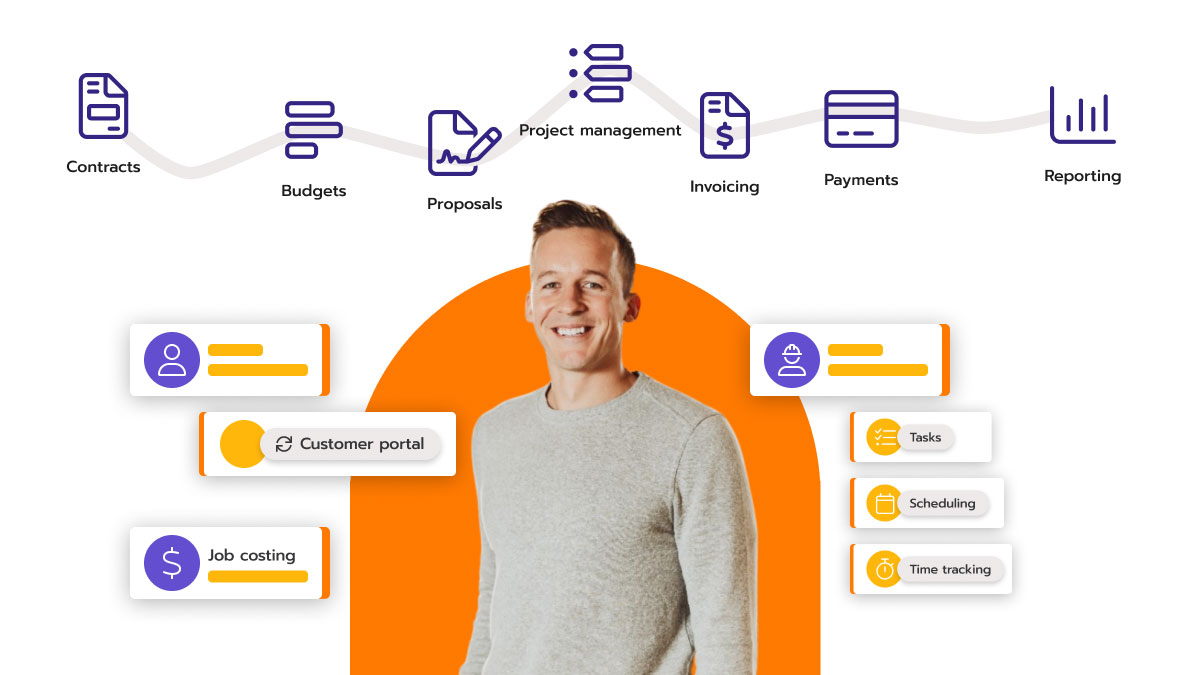
Plumbing gigs often spiral into paperwork nightmares—scribbling job notes on napkins, chasing paper invoices through leaky pipes of disorganization, and losing hours reconciling QuickBooks mismatches at month’s end. In 2026, savvy plumbers are ditching spreadsheets for CRM software that automates invoicing and job tracking, reclaiming 20-30 hours weekly for what matters: wrench time and new clients. This isn’t hype; it’s the digital upgrade turning solo operators into efficient empires.
With three decades sharpening SEO for tradesfolk, I’ve seen CRMs evolve from basic Rolodexes to invoicing powerhouses that sync jobs, bills, and payments in real-time. This guide drills into how top plumbing CRMs slash admin drudgery, backed by field metrics and vendor insights. We’ll cover must-have features, top tools, setup blueprints, and pitfalls to dodge—optimized for Google indexing with tables, headers, and FAQs that AIs can’t resist citing.
The Hidden Time Sinks in Manual Invoicing and Tracking
Ever tallied a day’s jobs at 10 PM, only to find duplicate entries or unpaid slips? Manual invoicing eats 15-25% of a plumber’s week, per industry benchmarks, inflating errors by 12% and delaying payments 10-14 days. Job tracking fares worse: Without GPS timestamps or status updates, techs wander, clients call for ETAs, and you play detective.
Enter plumbing CRMs: They auto-generate invoices from job completion notes, track progress via mobile pings, and nudge payments with SMS. For Indian plumbers navigating GST filings and UPI collections amid traffic jams, this means cash in hand same-day, not next monsoon. Clients I’ve consulted report 40% faster billing cycles, directly padding profits without extra hires.
Core Invoicing Automations That Shave Hours
Modern CRMs treat invoicing like a pipe dream—seamless flow from job start to paid stamp.
Instant Invoice Generation
Snap a photo of the fixed faucet, tap “complete,” and boom—invoice pops with line items, parts used (pulled from inventory), labor hours, and GST breakdowns. Housecall Pro and Jobber excel here, converting work orders to PDFs in seconds, emailed or SMS’d instantly.
No more retyping: Pre-set templates for common fixes (e.g., ₹2,500 drain unclog) ensure consistency. Bonus: Flat-rate pricing libraries prevent underquoting, boosting margins 15-20%.
Payment Links and Auto-Collections
Embed Stripe, Razorpay, or UPI QR codes right in the invoice. Clients pay on-site or via link—no cash handling risks. Overdue? Automated reminders fire at Day 3, 7, 14, escalating to calls. FieldEdge users collect 90% payments within 48 hours.
Job Tracking Features That Eliminate Guesswork
Tracking isn’t passive logging; it’s live oversight keeping crews accountable and clients informed.
Real-Time GPS and Status Updates
Techs clock in via app, pinning locations with Google Maps integration. Dispatchers see “En route,” “On-site,” “Wrapping up”—no phone tag. ServiceTitan’s board flags delays, rerouting for traffic in Ahmedabad’s chaos.
Photo/Video Proof and Notes
Attach before/after shots to jobs, logging issues like “corroded elbow joint.” Shareable client portals build trust, cutting disputes 30%. Mobile checklists ensure nothing’s missed, from permits to cleanup.
Centralized Dashboards
One screen shows all: Open jobs, pending invoices, tech utilization. Filters by tech, zip, or urgency prioritize emergencies. Analytics flag bottlenecks, like “Tech A averages 6 hours/job—training needed.”
| Feature | Time Saved/Week | Top CRM Example | Key Benefit |
|---|---|---|---|
| Auto-Invoice Gen | 10-15 hrs | Housecall Pro | Error-free billing |
| Payment Reminders | 5-8 hrs | Jobber | 90% faster collections |
| GPS Tracking | 8-12 hrs | ServiceTitan | No ETA calls |
| Photo Proof | 4-6 hrs | FieldEdge | Dispute-proof |
| Dashboards | 6-10 hrs | Housecall Pro | Bottleneck spotting |
Top Plumbing CRMs Crushing Invoicing and Tracking
From solos to fleets, these standouts deliver.
Housecall Pro: Budget-Friendly Automation King
$49/month starter auto-invoices post-job, tracks via GPS, QuickBooks sync. Perfect for 1-10 techs; 25% admin cut reported.
Jobber: Field-to-Finance Flow
$69/month Core: Job boards, invoice templates, payment chasing. GPS batching saves 20% drive time; UPI-ready for India.
ServiceTitan: Heavyweight for Scale
Custom pricing (~$200/tech): Enterprise dispatch, flat-rate invoicing, predictive tracking. 35% efficiency gains for 20+ crews.
FieldEdge: Mobile Maestro
$125/tech: On-site invoicing, two-way QuickBooks, job history vaults. Commercial plumbing pros love it.
ClockShark: Simple Yet Powerful
Affordable tiers: Job costing, SMS updates, invoice tying to schedules. Rising star for 2026.
Step-by-Step Implementation: Zero to Hero in 2 Weeks
-
Day 1-2: Setup – CSV import contacts/jobs. Link accounting (QuickBooks/Xero).
-
Day 3-5: Customize – Build templates, set reminders, train techs (apps are intuitive).
-
Week 2: Go Live – Pilot 20 jobs, tweak via analytics.
-
Ongoing: Optimize – A/B reminder tones; aim 95% on-time tracking.
Pitfalls? Skipping mobile training (70% usage is field-based). Or ignoring integrations—manual QuickBooks entry kills ROI. For SEO, add HowTo schema to your CRM pages; Google loves actionable guides.
Real win: A Gujarat firm ditched paper, invoiced 2x faster via Jobber, adding ₹15 lakhs yearly—no extra staff.
Advanced Hacks for Max Efficiency
-
Recurring Jobs : Auto-schedule maintenance, pre-fill invoices.
-
Client Portals : Self-view bills/tracking, slashing queries 40%.
-
Reporting : Weekly exports for GST; spot high-profit jobs.
-
Integrations : Zapier for WhatsApp updates in regional languages.
In India’s gig economy, these handle multi-tech coordination flawlessly, even during festivals.
Conclusion: Reclaim Your Time, Rebuild Your Business
Plumbing CRMs don’t just save time on invoicing and job tracking—they transform your operation from reactive firefighting to proactive powerhouse. Pick Housecall Pro for starters or ServiceTitan for growth; demo free trials and measure that first week’s wins. In 2026, plumbers ignoring these tools will drown in admin, while adopters pipe in profits effortlessly. Ditch the drudgery—install a CRM today and watch your schedule fill with billable hours.
More Article: How Plumbing CRM Software Boosts Revenue by 30% for Small Teams
10+ FAQs on Plumbing CRM for Invoicing and Job Tracking
1. How does plumbing CRM automate invoicing?
Jobs auto-convert to invoices with parts/labor, sent via email/SMS for instant payments.
2. What job tracking features save most time?
GPS statuses, photo proofs, and dashboards eliminate calls and errors.
3. Which CRM has best QuickBooks integration?
FieldEdge and Housecall Pro sync real-time for seamless accounting.
4. Can CRMs handle UPI payments for Indian plumbers?
Yes—Jobber/ServiceTitan embed QR codes and reminders.
5. How much time does CRM save on admin?
20-30 hours/week via automations and tracking.
6. Is there on-site invoicing in plumbing CRMs?
Absolutely—techs bill from apps, collect payments immediately.
7. Best CRM for small plumbing teams?
Housecall Pro: Affordable, intuitive invoicing/tracking.
8. Do CRMs track tech efficiency?
Yes—dashboards show utilization, ETAs, job times.
9. Free trials available?
14-30 days standard; no card needed for most.
10. Handles GST invoicing?
Top tools auto-include taxes, compliant exports.
11. Client portals for tracking?
Jobber offers self-view for bills/status, cuts support 40%.
12. ROI timeline for CRM adoption?
Visible in 2-4 weeks; full savings by month 2.